

Still Running PHP 7.4? Upgrade Before It Costs Your Business
- Jun 12, 2026
- Tarachand
- Web & Application Development
- 7 Mins. Read
Introduction
If your website is still running PHP 7.4, you’re not alone.
Many businesses continue operating websites built several years ago on WordPress, Craft CMS, Laravel, Magento, or custom PHP applications. The website appears to be functioning normally, customers can submit enquiries, and everything seems to be working as expected.
So it’s easy to assume there’s no immediate need for an upgrade.
However, one of the biggest mistakes businesses make is assuming that a website is healthy simply because it appears to be working.
Behind the scenes, outdated software can introduce security vulnerabilities, compatibility issues, performance bottlenecks, and growing maintenance challenges that often remain unnoticed until a critical problem occurs.
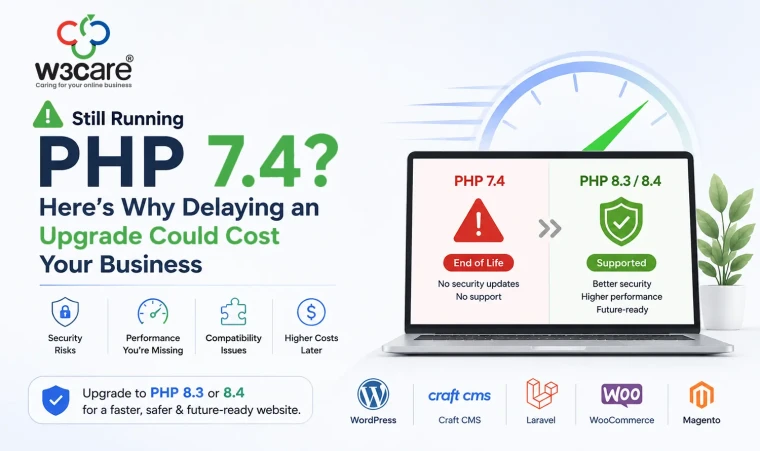
PHP 7.4 officially reached End of Life (EOL) in November 2022. Since then, it has stopped receiving security updates, bug fixes, and official support.
If your website is still running PHP 7.4, now is the ideal time to evaluate an upgrade to PHP 8.3 or PHP 8.4.
In this article, we’ll explain why the upgrade matters, the risks of delaying it, and how businesses can approach the process safely.
What Is PHP?
Before discussing upgrades, it’s helpful to understand what PHP actually does.
PHP is the server-side programming language that powers a large portion of the internet. Popular platforms including WordPress, Craft CMS, Magento, Drupal, WooCommerce, and Laravel all rely heavily on PHP.
Whenever a visitor:
- Submits a contact form
- Logs into an account
- Places an order
- Views dynamic content
- Uses a customer portal
- Accesses a membership area
PHP is often working behind the scenes.
Think of PHP as the engine of your website.
Visitors may never see it directly, but it plays a critical role in how your website performs, functions, and stays secure.
What Does End of Life Mean?
When a software version reaches End of Life, the development team stops maintaining it.
This means there are no more:
- Security patches
- Bug fixes
- Performance improvements
- Official support
The software doesn’t stop working overnight.
However, any newly discovered vulnerabilities remain unpatched.
Over time, this creates increasing security and compatibility risks.
Many business owners compare it to driving an older vehicle.
The car may still run perfectly today, but replacement parts become harder to find, maintenance becomes more expensive, and reliability decreases over time.
The same principle applies to outdated software.
Why Businesses Continue Running PHP 7.4
We often hear the same response from clients:
“Our website seems to be working fine.”
And they’re usually right.
The website may be functioning normally.
The challenge is that technical debt builds silently.
Most organizations delay upgrades because:
- They are focused on daily operations.
- There are no visible website issues.
- They are concerned about costs.
- They worry the upgrade may break something.
- They don’t know where to start.
These concerns are understandable.
Unfortunately, postponing upgrades often results in larger and more expensive projects later.
The Security Risks of Staying on PHP 7.4
Security is by far the strongest reason to upgrade.
Cybersecurity threats evolve constantly. New vulnerabilities are discovered every month across operating systems, web applications, plugins, frameworks, and programming languages.
When software is actively supported, security patches are released to address newly identified risks.
PHP 7.4 no longer receives those updates.
This means vulnerabilities discovered after November 2022 remain unpatched.
For businesses that:
- Collect customer information
- Process online payments
- Accept enquiries
- Manage user accounts
- Store sensitive business data
Running unsupported software creates unnecessary exposure.
A single security incident can result in:
- Website downtime
- Data breaches
- Reputation damage
- Customer trust issues
- Revenue loss
Preventing these problems is significantly easier and less expensive than recovering from them.
Compatibility Problems Will Continue to Increase
Technology moves quickly.
Software vendors focus their efforts on supported versions of PHP.
As a result:
- Plugins stop supporting older versions.
- Themes become incompatible.
- Third-party integrations fail.
- CMS upgrades require newer PHP versions.
- Hosting providers phase out older environments.
What starts as a small compatibility issue often grows into a larger project over time.
For example, a WordPress website may continue running PHP 7.4 today.
However, future WordPress updates, WooCommerce releases, payment gateway integrations, or marketing automation tools may require PHP 8.x.
The longer the delay, the more dependencies accumulate.
This increases upgrade complexity and cost.
Performance Benefits of PHP 8.3 and PHP 8.4
Most discussions around PHP upgrades focus on security.
However, performance improvements are equally important.
Modern PHP versions have been optimized significantly.
Benefits often include:
Faster Page Loading
Users expect websites to load quickly.
Even small performance improvements can contribute to:
- Better user experience
- Higher engagement
- Reduced bounce rates
Improved Resource Efficiency
PHP 8.x handles requests more efficiently.
This can reduce server resource consumption and improve overall application responsiveness.
Better Scalability
As businesses grow, websites must handle increased traffic and functionality.
Modern PHP versions provide a stronger foundation for future growth.
Potential SEO Benefits
Website speed is one of many factors that contribute to search engine rankings and user experience.
A faster website often results in improved visitor satisfaction and stronger conversion rates.
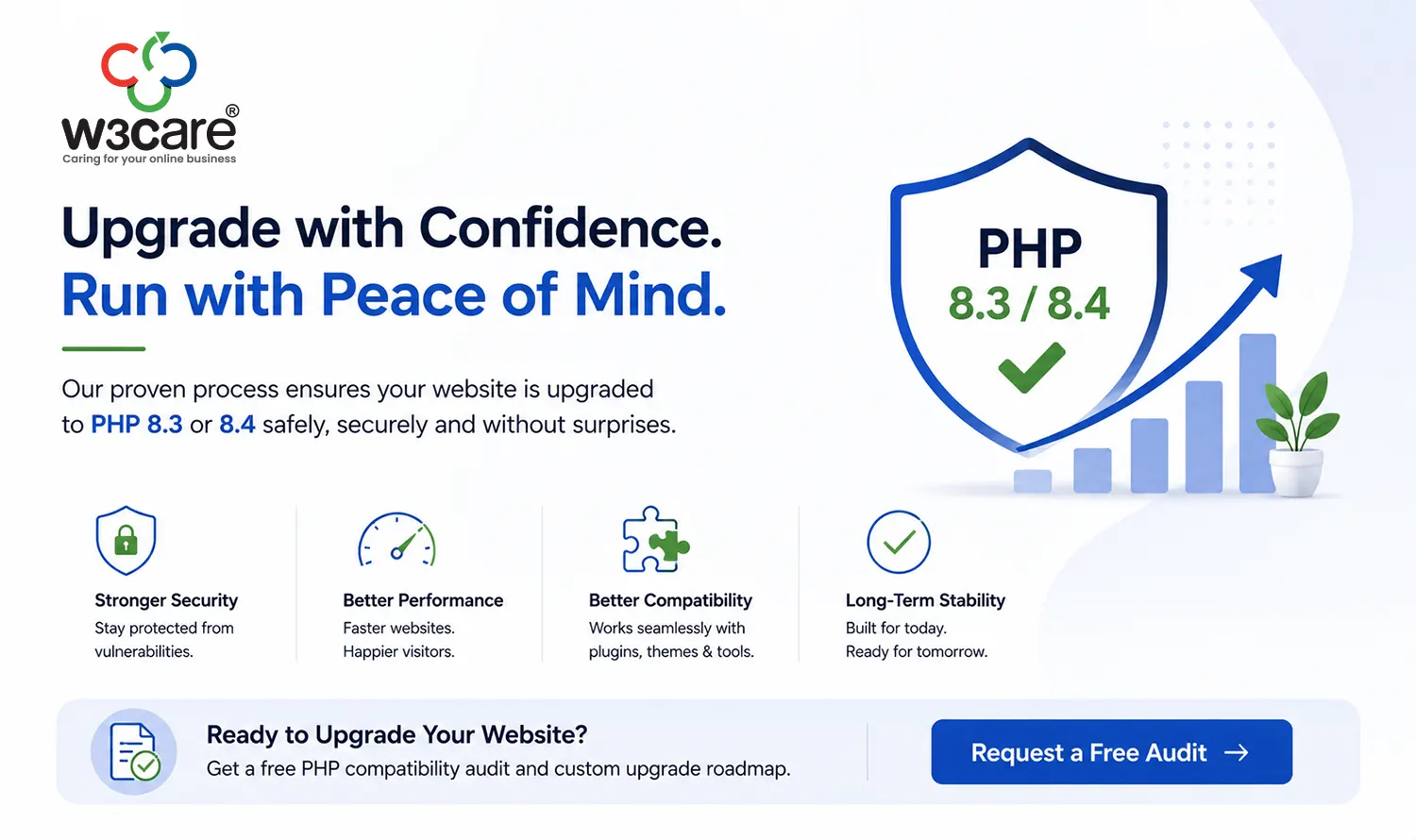
Why PHP 8.3 and PHP 8.4 Are Recommended
Many businesses ask whether they should move to PHP 8.1, PHP 8.2, PHP 8.3, or PHP 8.4.
In most cases, PHP 8.3 or PHP 8.4 provides the best long-term value.
Advantages include:
- Active security support
- Longer support lifecycle
- Better performance
- Improved reliability
- Future compatibility
- Ongoing vendor support
Upgrading directly to a current supported version helps avoid multiple upgrade projects in a short period.
Common Challenges During PHP Upgrades
One misconception is that upgrading PHP simply involves changing a server setting.
While that can occasionally be true, many websites require additional work.
Older websites often contain:
- Legacy custom code
- Unsupported plugins
- Deprecated functions
- Outdated frameworks
- Custom integrations
PHP 8 introduced several changes that may affect older codebases.
Without testing, functionality can break unexpectedly.
Common issues include:
- Form failures
- Login problems
- Ecommerce checkout errors
- Integration failures
- Plugin conflicts
This is why a structured upgrade process is essential.
A Safe Approach to PHP Upgrades
A successful upgrade typically follows several steps.
Step 1: Technical Assessment
Review:
- Current PHP version
- CMS version
- Plugin ecosystem
- Custom functionality
- Hosting environment
This helps identify potential compatibility concerns.
Step 2: Compatibility Review
Analyze:
- Themes
- Modules
- Extensions
- APIs
- Custom code
The objective is to identify risks before deployment.
Step 3: Staging Environment Testing
Never perform a major PHP upgrade directly on a live website.
Testing should occur in a staging environment that mirrors production.
Step 4: Resolve Compatibility Issues
Any identified problems should be addressed before launch.
This may involve:
- Updating plugins
- Refactoring custom code
- Replacing unsupported extensions
- Updating integrations
Step 5: Deploy and Monitor
After testing is complete, deploy the upgrade and monitor:
- Website performance
- Error logs
- User activity
- Critical business processes
A rollback strategy should always be available.
How We Help Businesses Upgrade PHP
At W3Care, we regularly assist organizations with PHP upgrades across:
- WordPress
- Craft CMS
- Laravel
- Magento
- WooCommerce
- Custom PHP Applications
Our approach focuses on minimizing risk while ensuring compatibility and long-term maintainability.
Every project begins with a technical audit so clients understand:
- Current risks
- Upgrade requirements
- Expected effort
- Recommended upgrade path
This allows businesses to make informed decisions without unexpected surprises.
How to Check Which PHP Version Your Website Is Running
Not sure whether your website is using PHP 7.4?
There are several ways to find out:
Through Your Hosting Control Panel
Many hosting providers display the PHP version inside:
- cPanel
- Plesk
- DirectAdmin
- Cloud hosting dashboards
Through WordPress
Navigate to:
Tools → Site Health → Info → Server
The PHP version is usually displayed there.
Ask Your Development Partner
A qualified web development team can identify your PHP version within minutes.
If you’re unsure, this is often the quickest option.
Final Thoughts
The question isn’t whether your website will eventually need to move away from PHP 7.4.
The question is whether you’ll upgrade on your own terms or during an emergency.
A planned upgrade is predictable, controlled, and cost-effective.
An emergency upgrade triggered by a security incident, hosting requirement, or broken functionality rarely is.
If your website is still running PHP 7.4, now is the perfect time to assess your environment and prepare for a smooth transition to PHP 8.3 or PHP 8.4.
The sooner you address the issue, the easier and more affordable the process is likely to be.
Need Help Evaluating Your Website?
W3Care has over 16 years of experience supporting websites and web applications across WordPress, Craft CMS, Laravel, Magento, WooCommerce, and custom PHP platforms.
If you’re unsure whether your website is ready for PHP 8.3 or PHP 8.4, our team can perform a technical compatibility assessment and provide a clear roadmap for a safe, successful upgrade.
- Still Running PHP 7.4? Upgrade Before It Costs Your Business
- How Businesses Are Being Targeted by Modern Cyber Fraud in 2026
- W3care Featured in Evan Kirstel’s Trusted IT Providers — Clutch B2B Expert Picks
- Magento’s Roadmap to the Future: What Lies Beyond 2025?
- WhatsApp Business Platform Pricing Changes in 2025: What Businesses Should Know
- Which E-Commerce Platform is Right for You?
- Upgrade ExpressionEngine Website | Secure, Future-Proof and Optimize.
- W3care Technologies Celebrates 15 Years of Excellence.
- Choosing the Right Website in 2025: No-Code, Low-Code, or Full-Code?
- Fintech: The Indian Financial Sector Experience